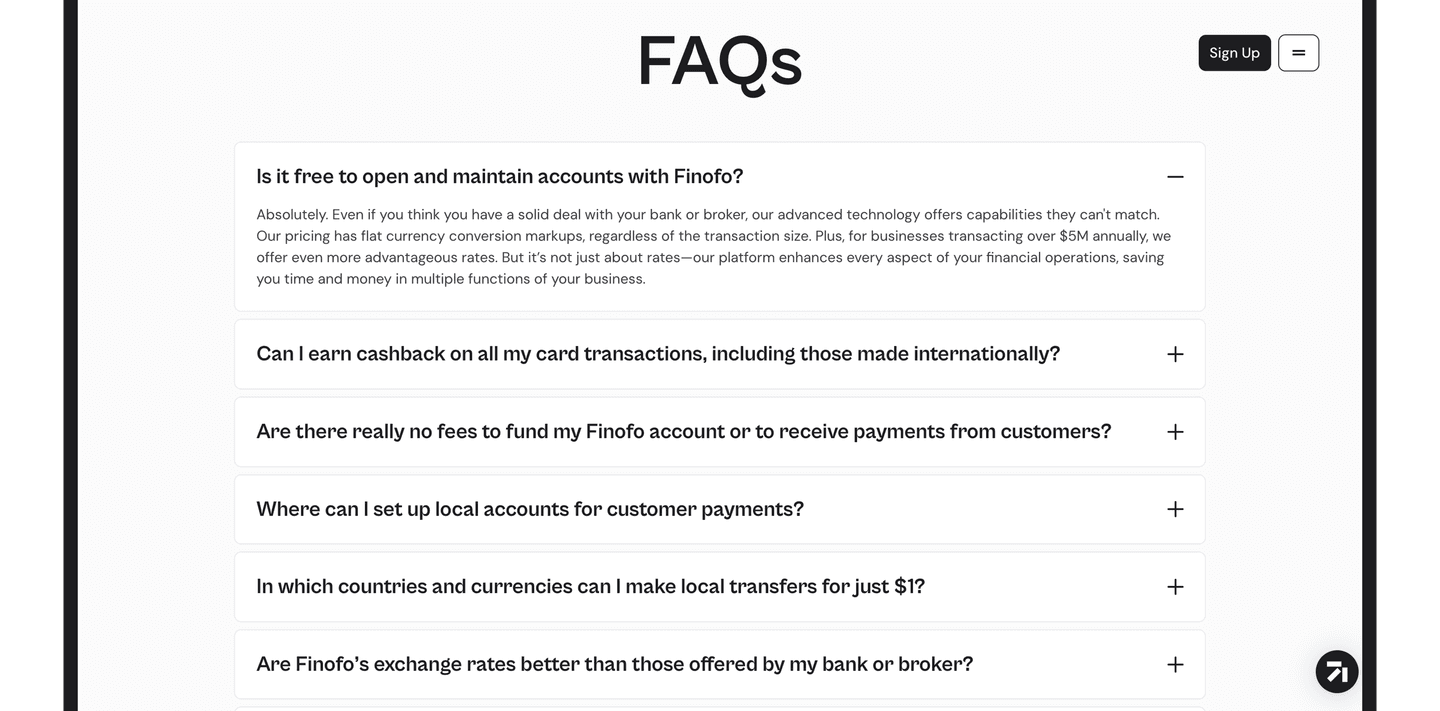
Faq|
Finofo Fintech Faq Design
50/100
Hand-picked 118 FAQ sections from SaaS landing pages, scored across conversion best practices. See what the best do differently.
Showing 43–63 of 118 examples
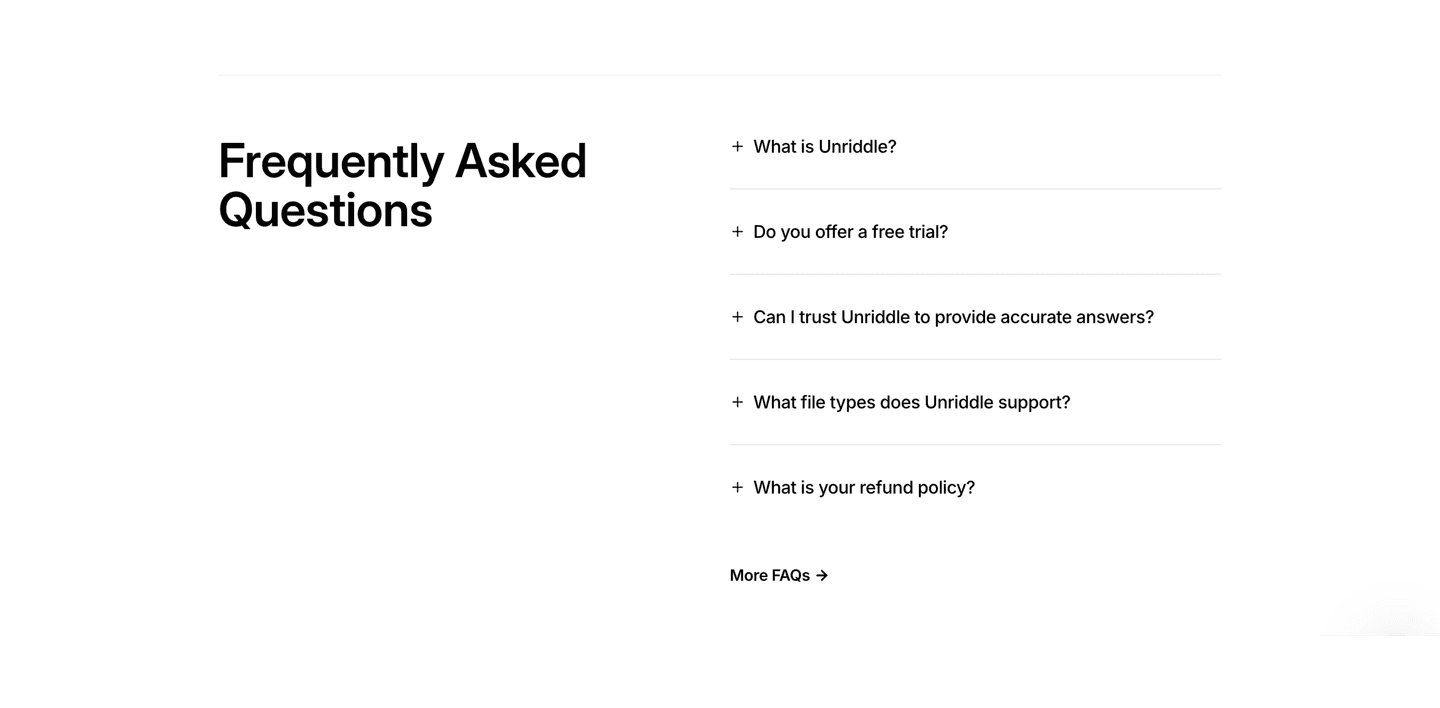
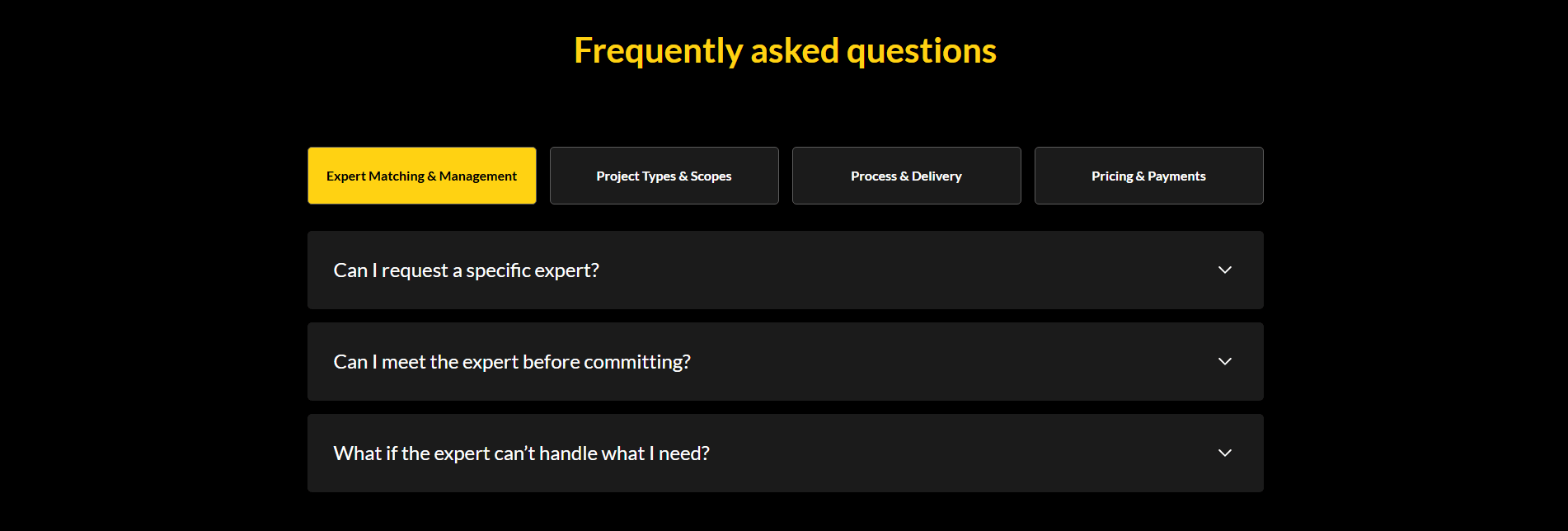
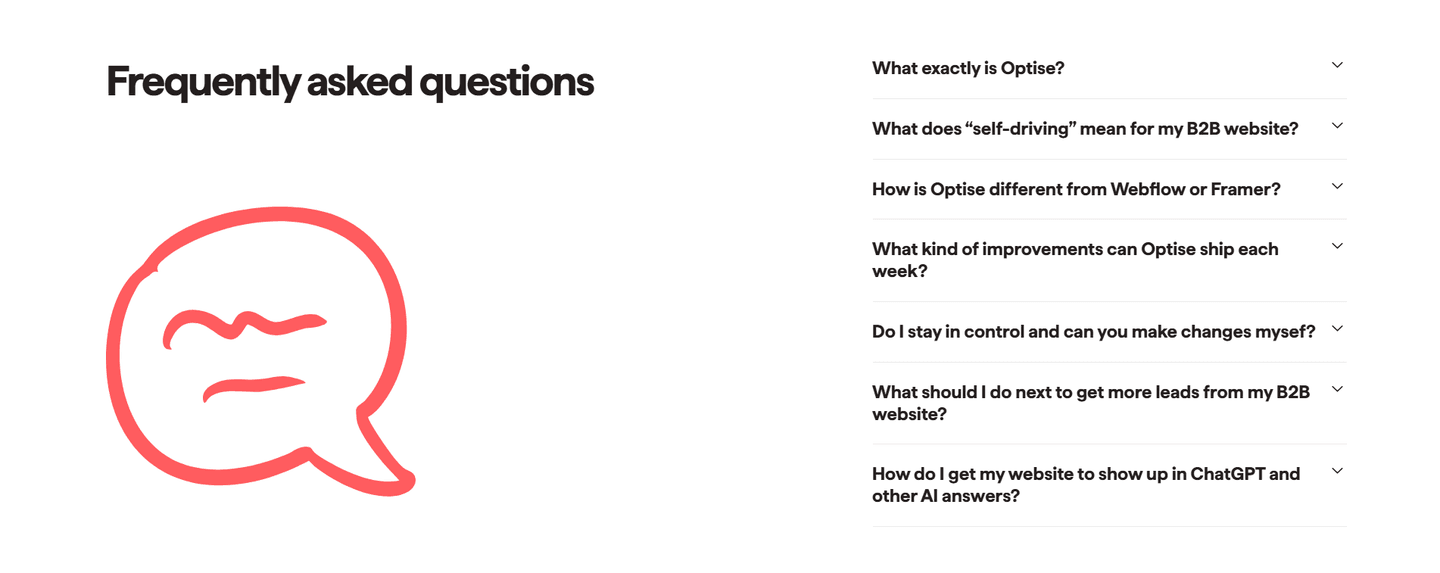
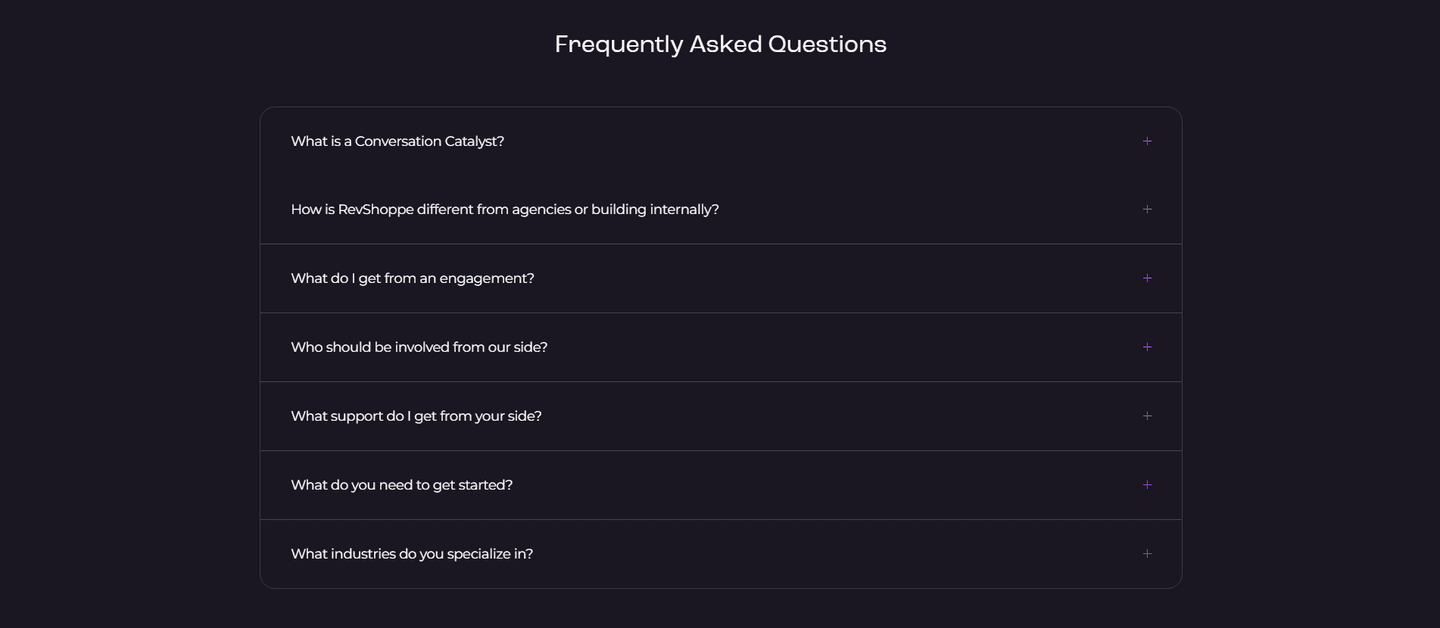
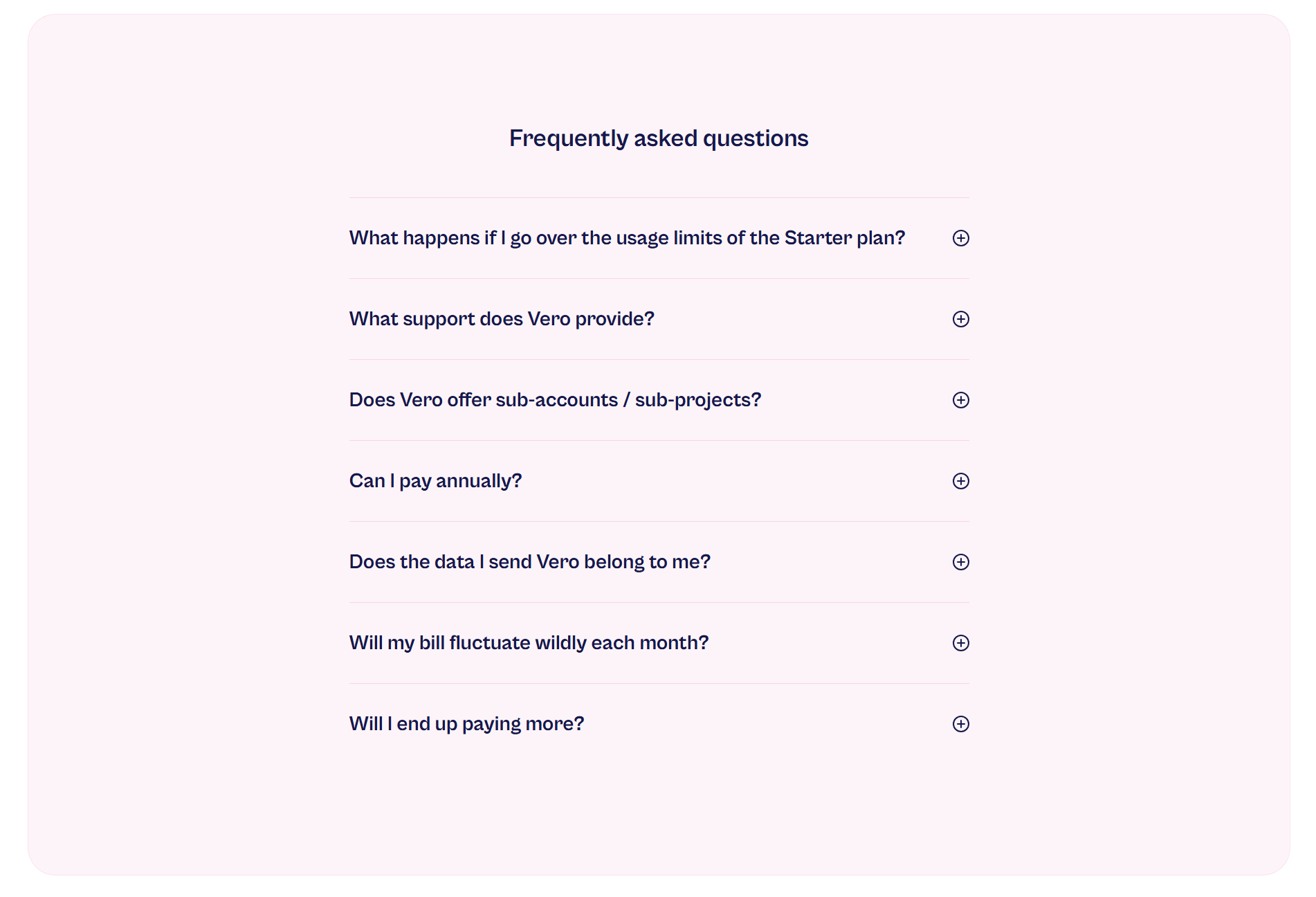
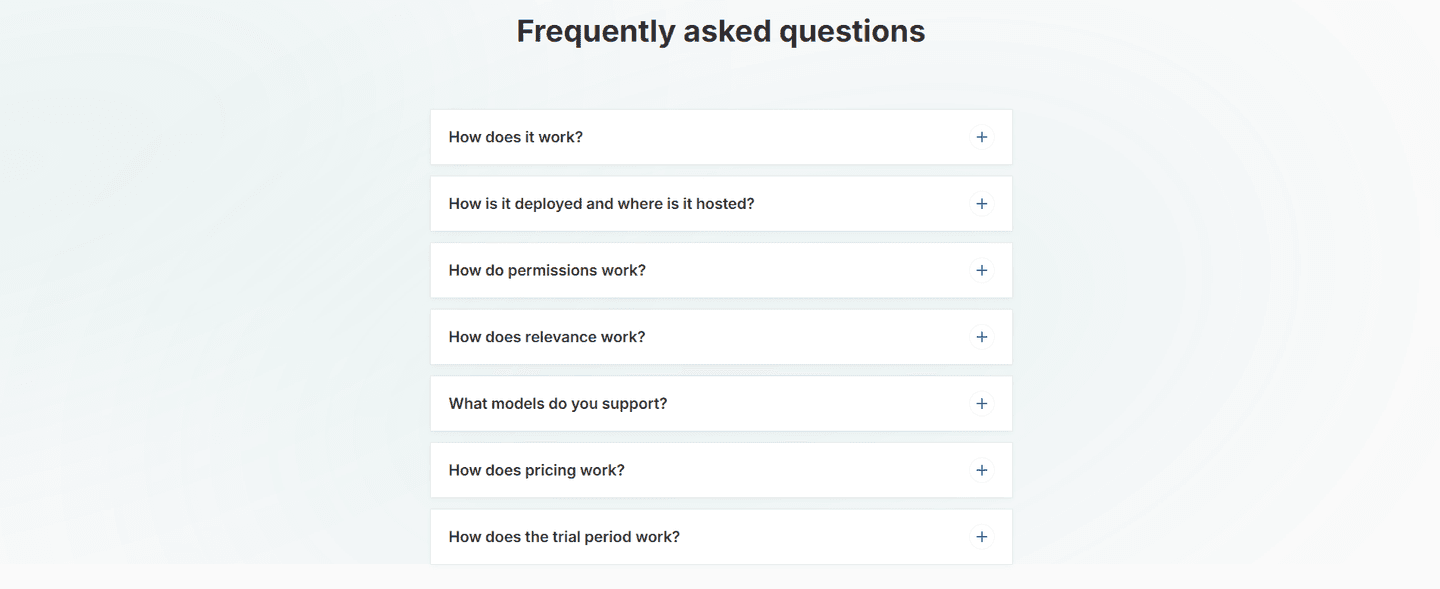
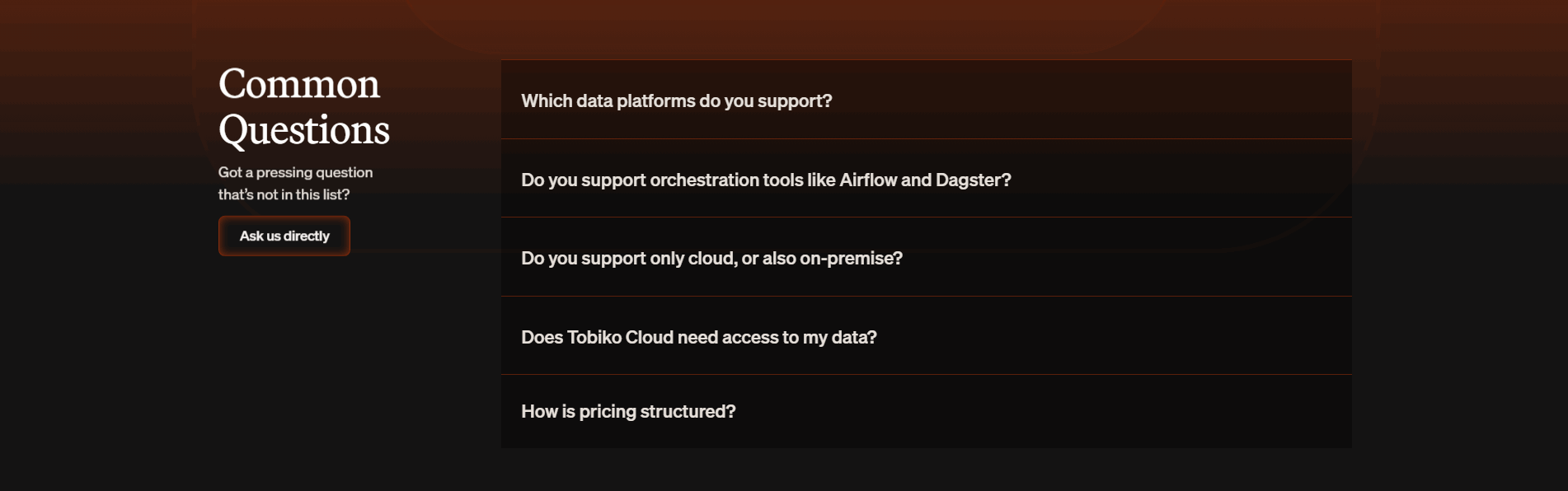
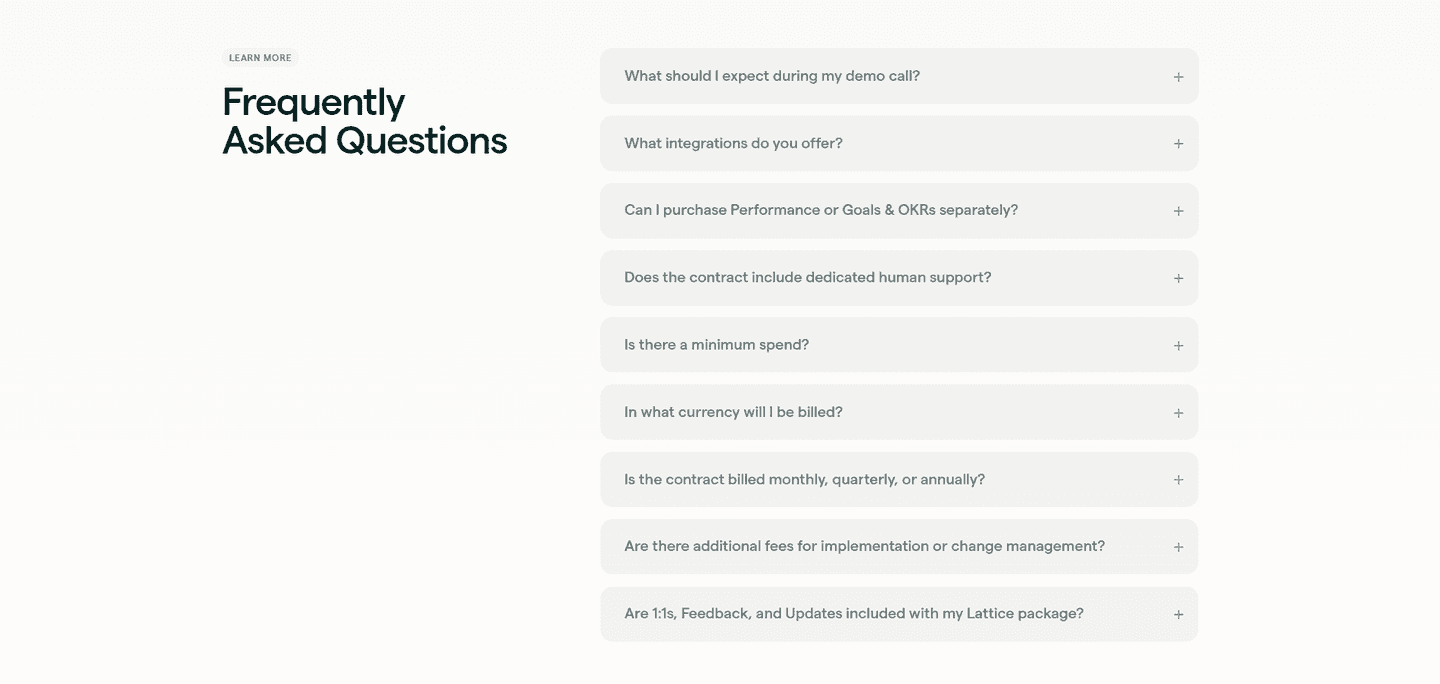
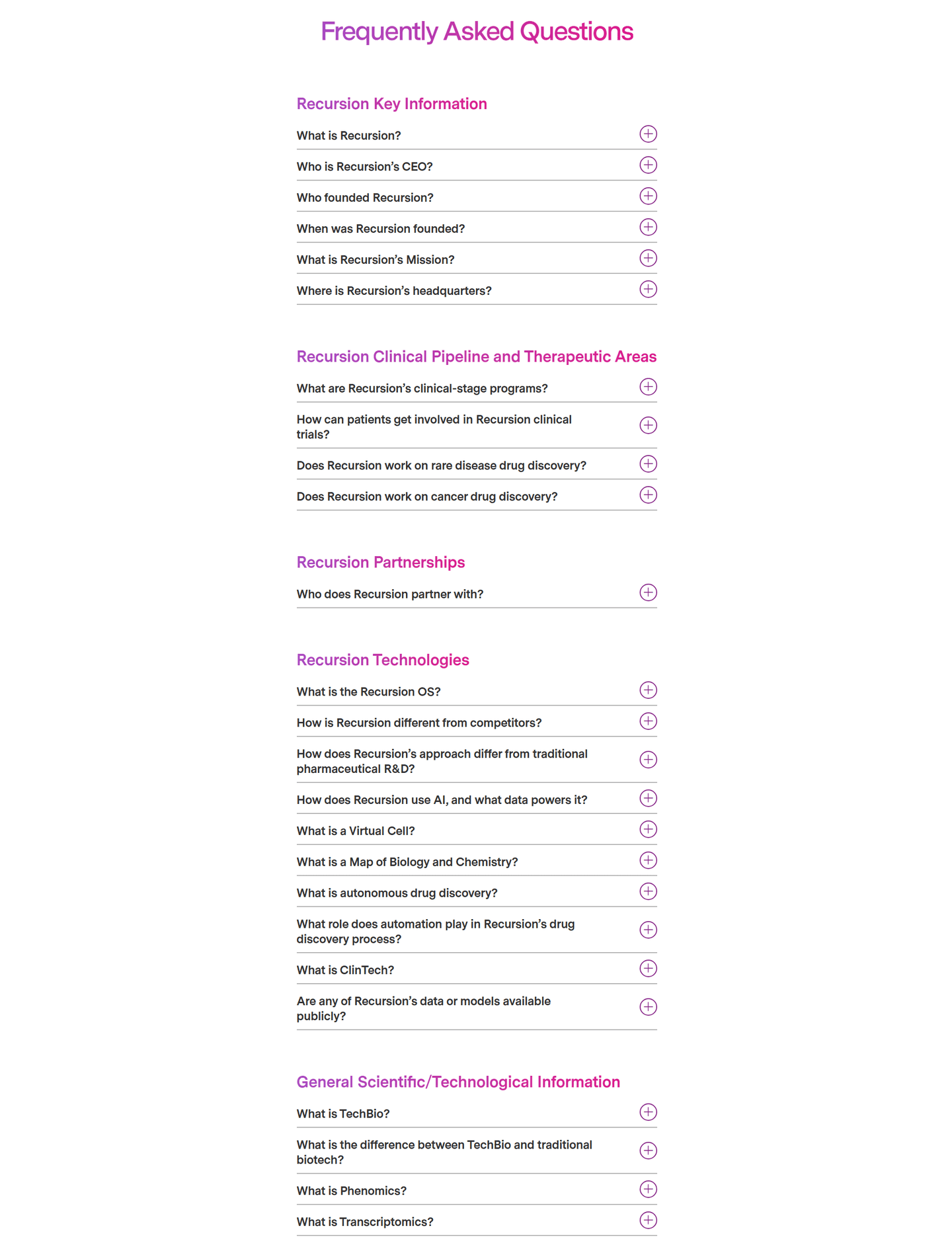
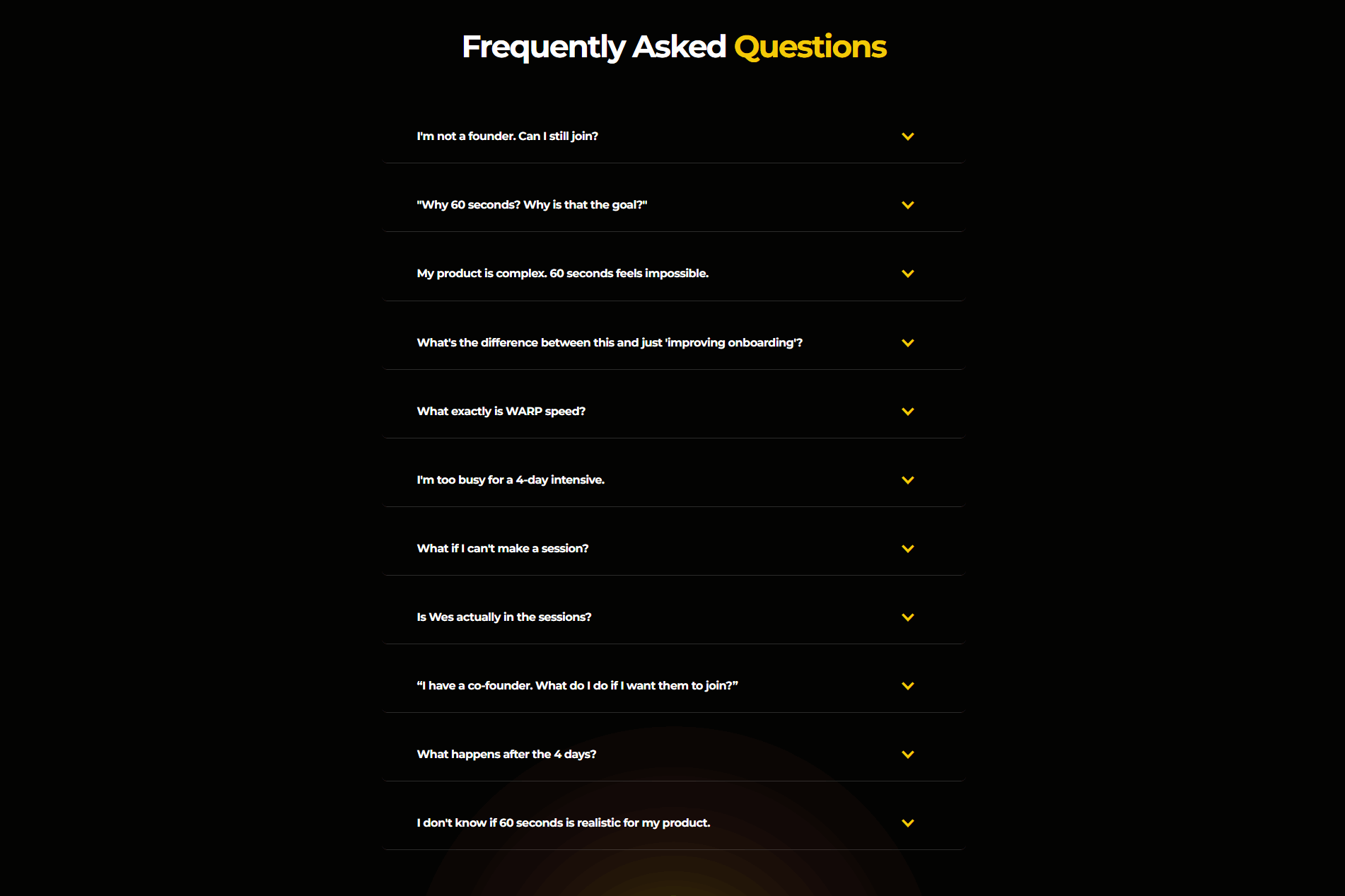
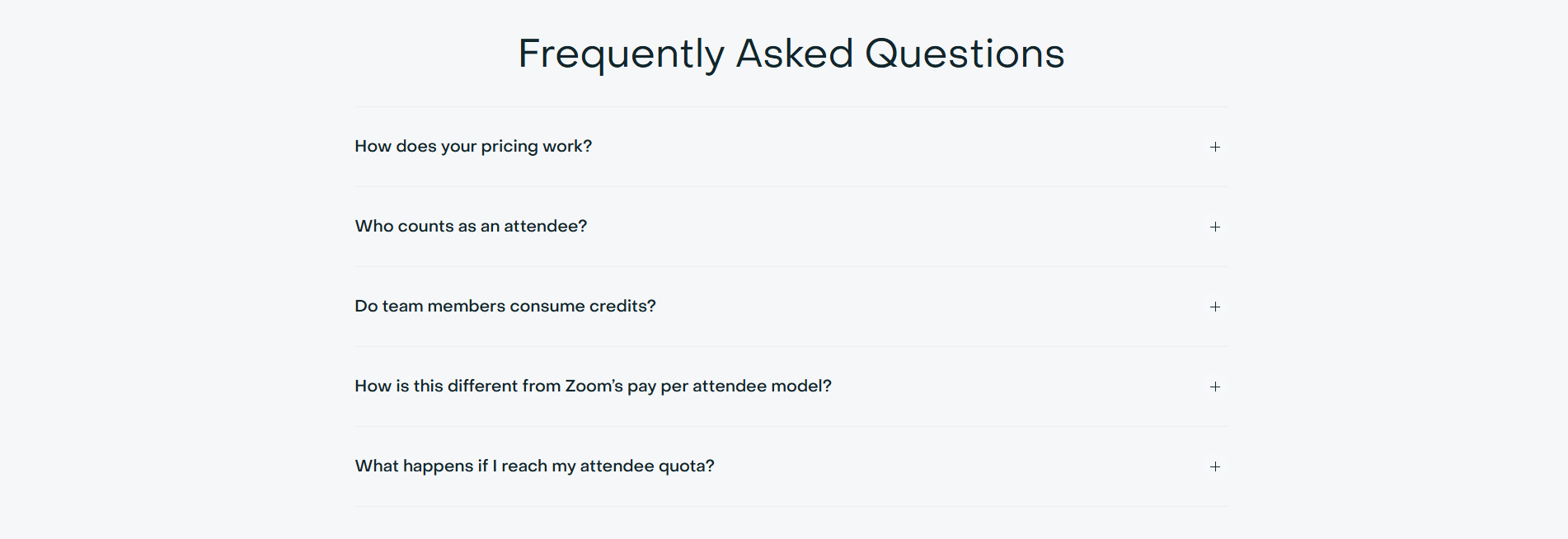
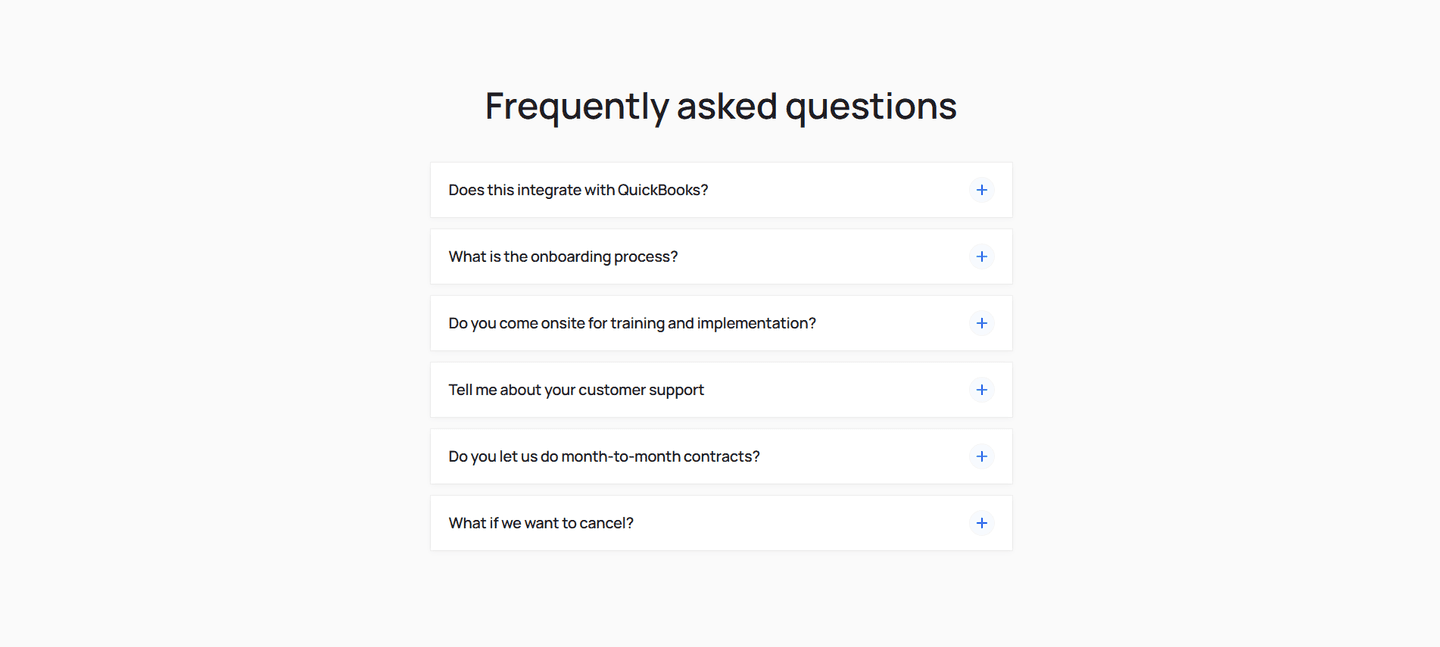
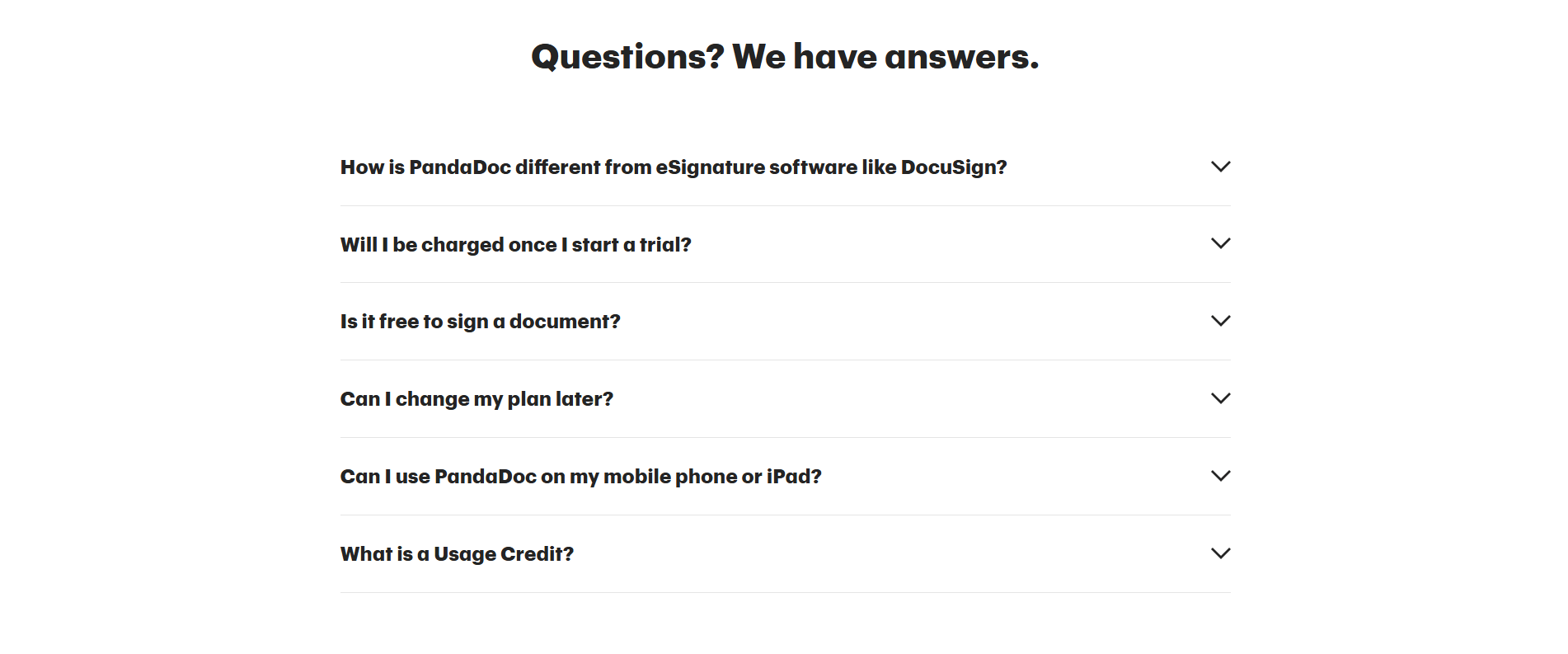
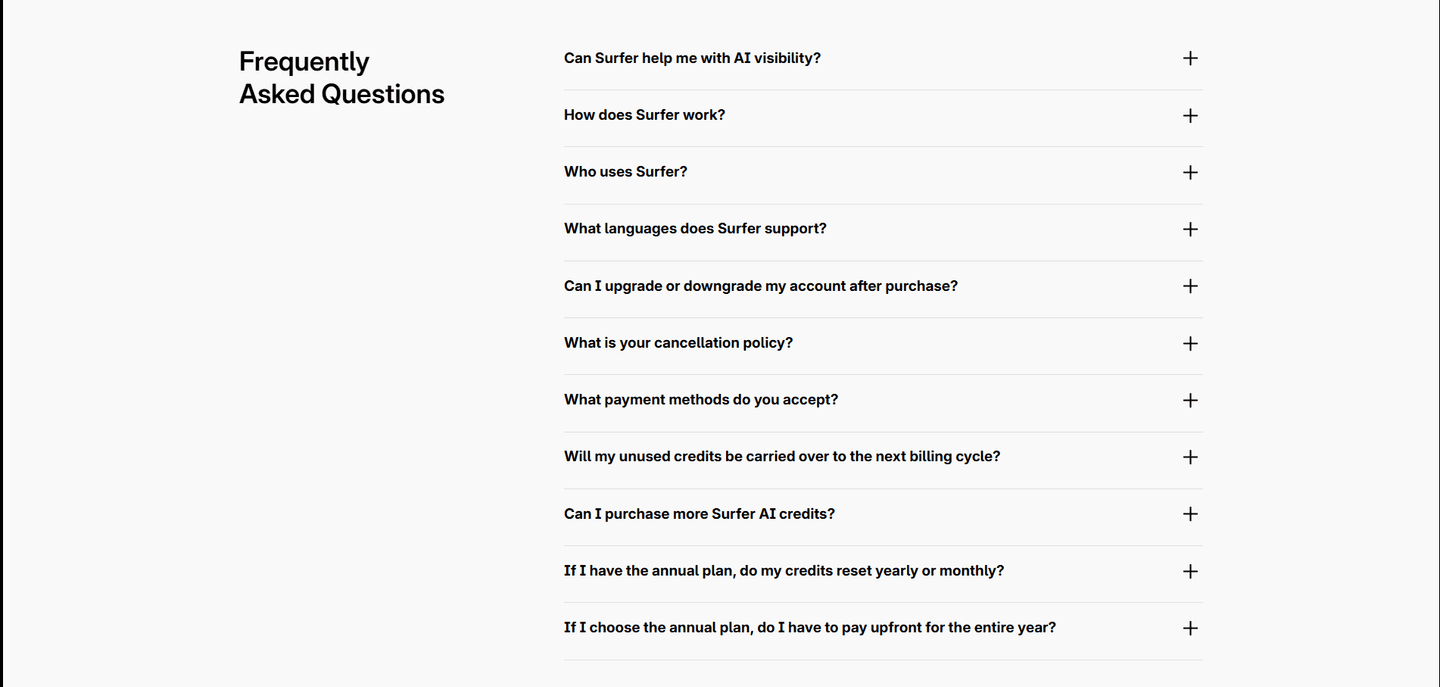
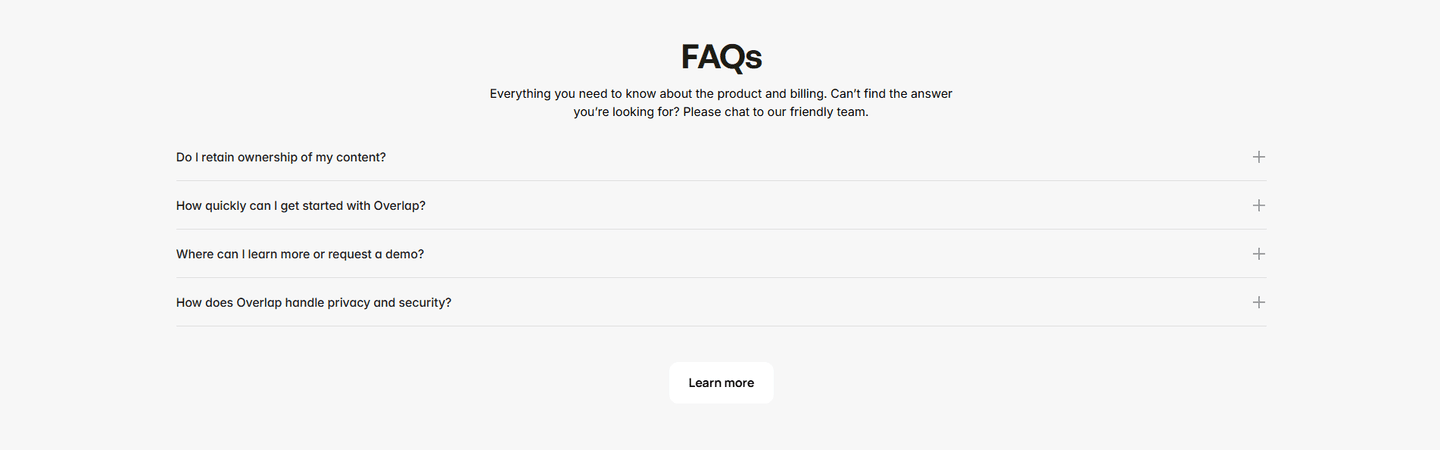
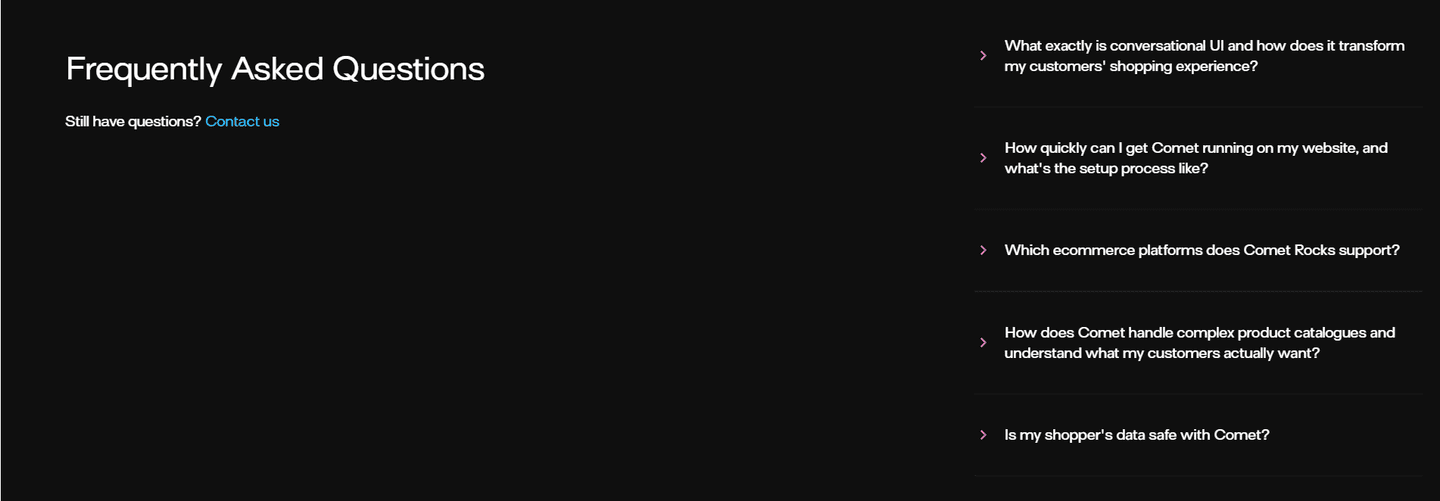
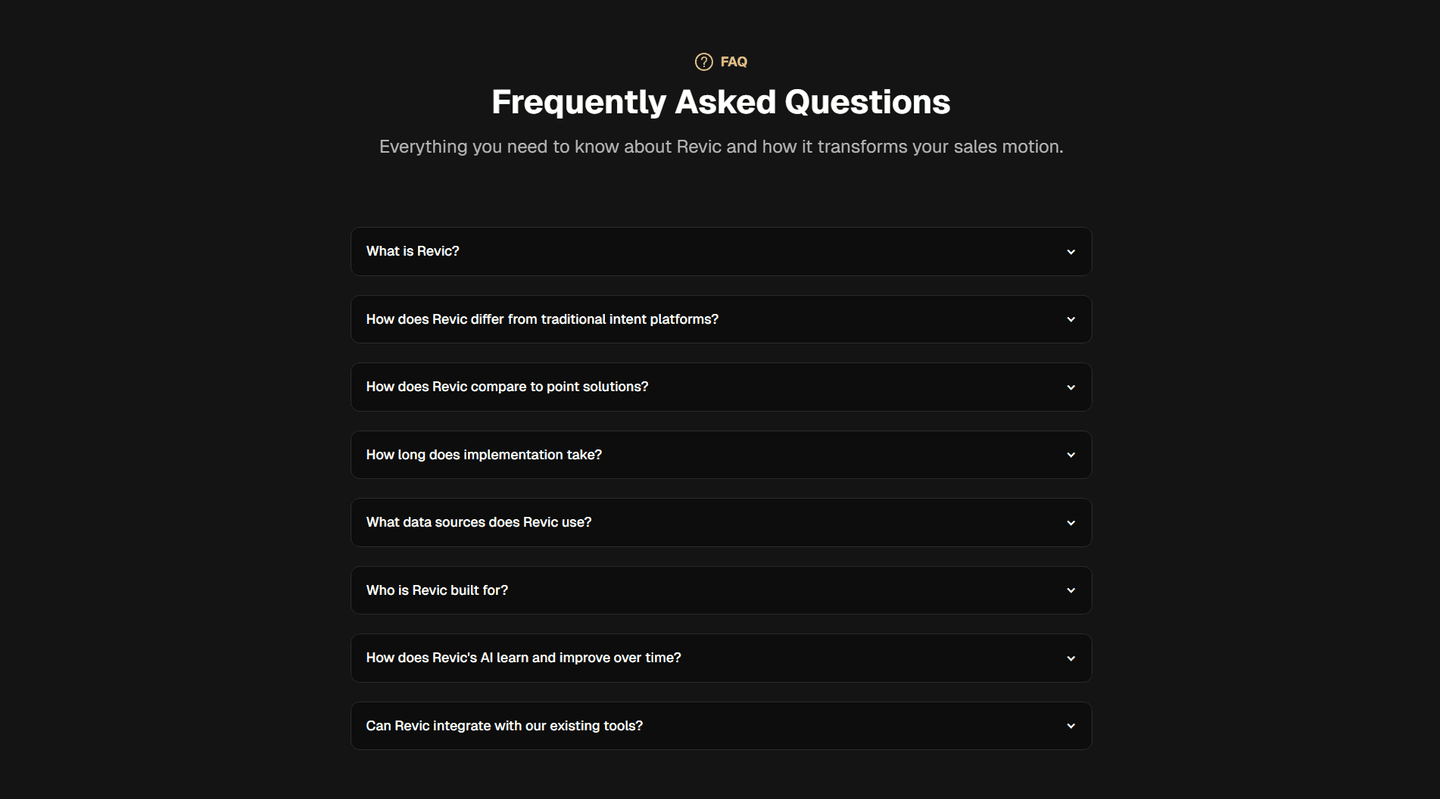
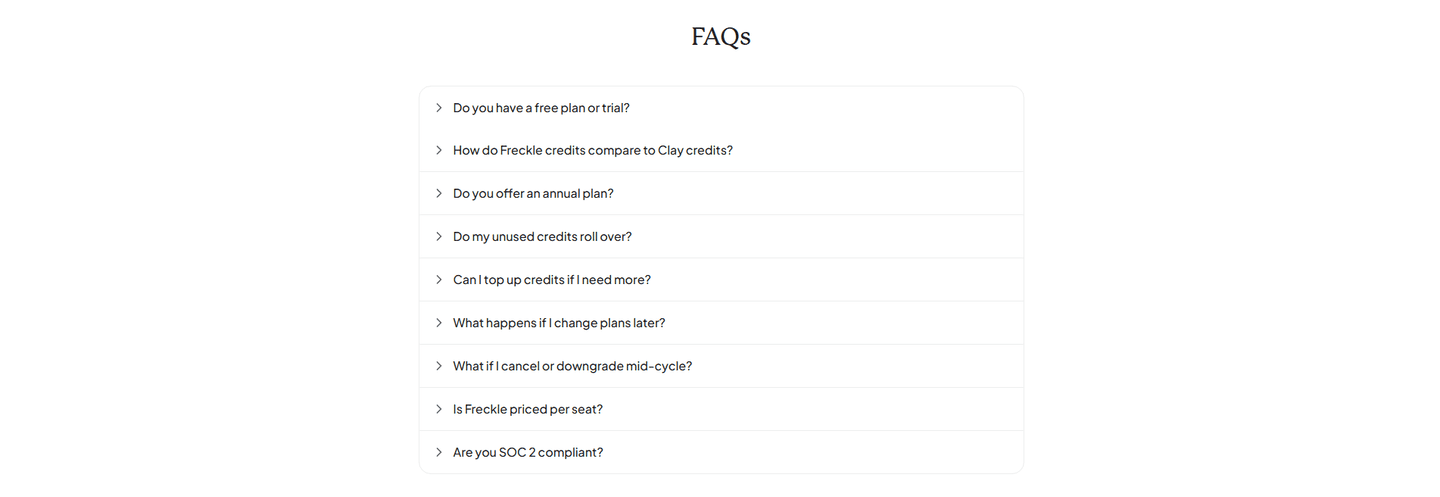
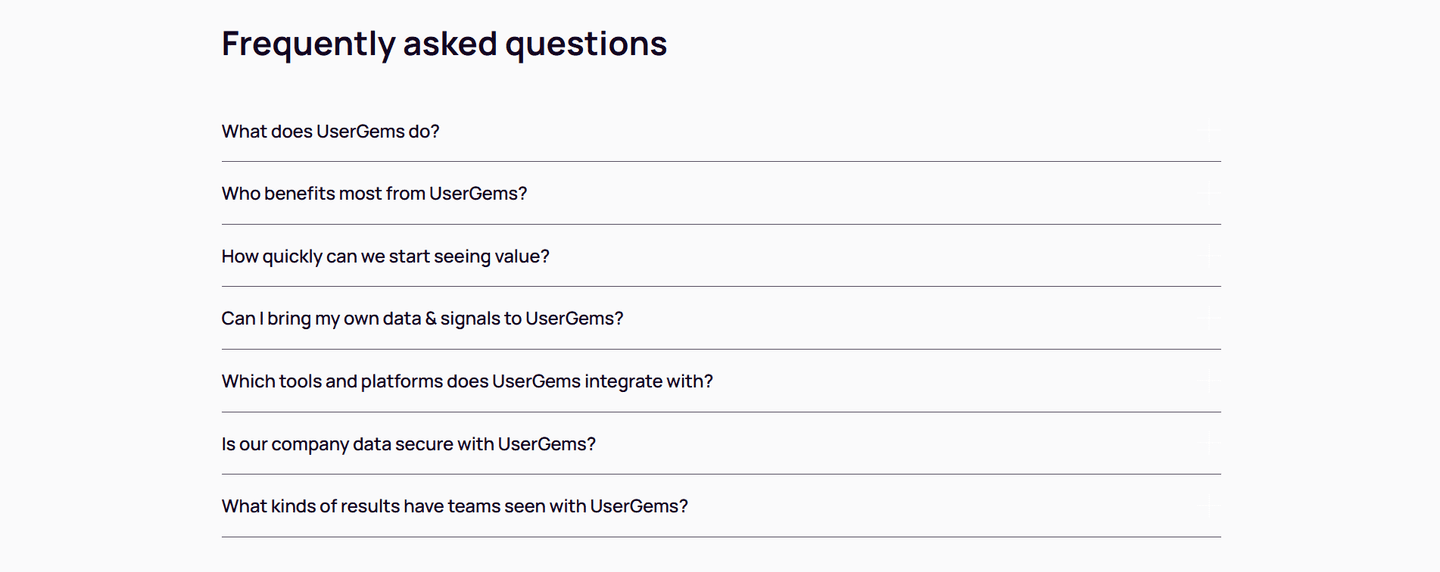
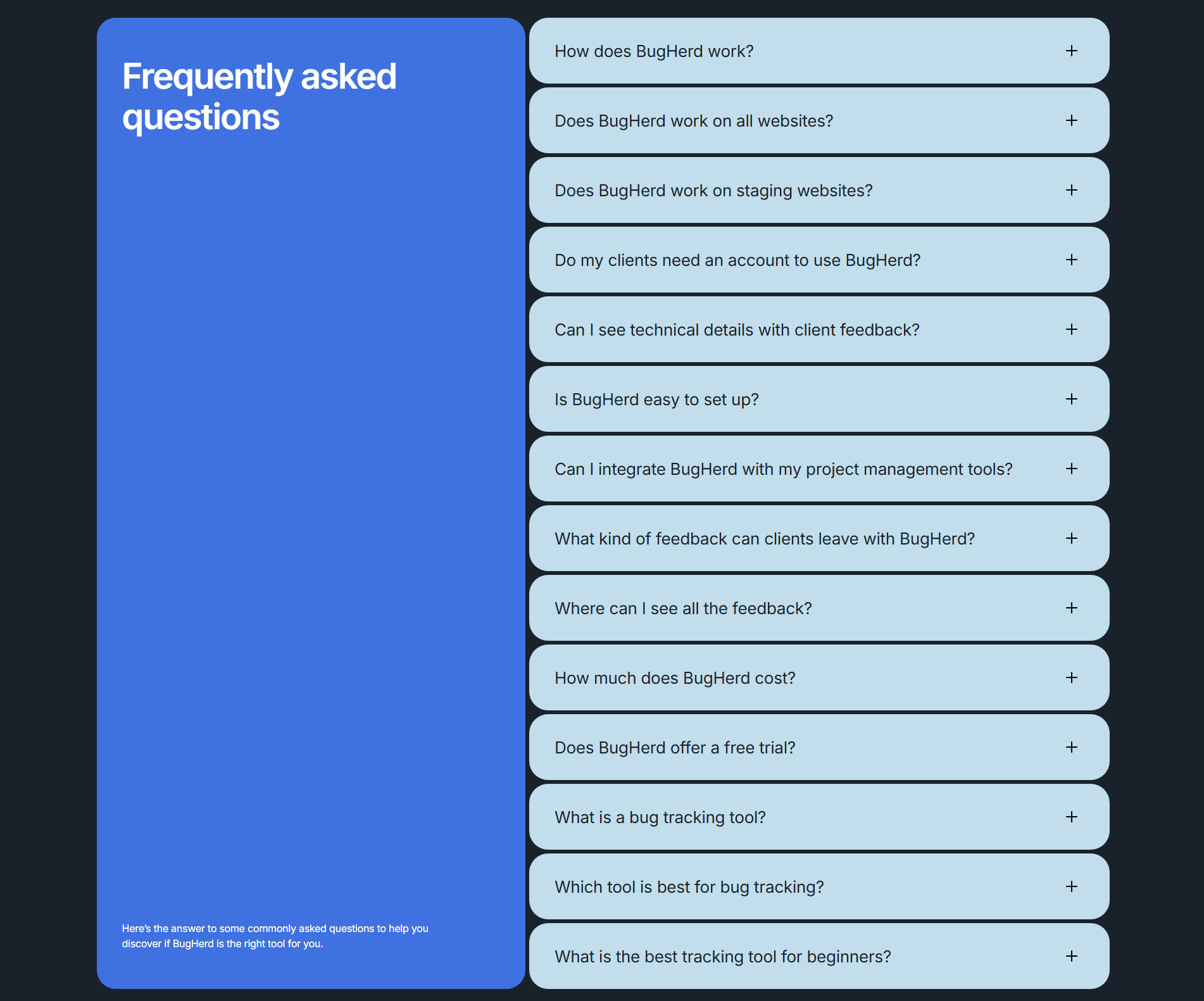
Every FAQ section is scored across 5 conversion best practices. Copy the best practice stack, not the layout. See what converts and why.
Hand-picked from 350+ companies and analyzed by our AI conversion agent. Not a random dump of FAQ pages. Every entry earns its spot.
Found a FAQ section you admire? Run yours through the same scoring engine. See where you stand on the same best practices, and what to fix first.
We scored 118 FAQ sections across conversion best practices. The table below shows how widely each element is adopted. The lower the number, the bigger your edge by adding it.
Questions sorted into categories: Billing, Security, Getting Started. Reduces scanning time when you have 10+ questions
Links to pricing, demo, or signup inside the answer text. The FAQ doubles as a conversion path, not a dead end
Accordion or toggle layout. Questions visible, answers hidden until clicked. Visitors scan and pick what matters to them
Real concerns as questions: "Is my data safe?" "Can I cancel anytime?" Not generic filler like "What is your product?"
| Element | What it means | Use it | Type |
|---|---|---|---|
| Grouped by topic | Questions sorted into categories: Billing, Security, Getting Started. Reduces scanning time when you have 10+ questions | 11% | Big opportunity |
| CTAs in answers | Links to pricing, demo, or signup inside the answer text. The FAQ doubles as a conversion path, not a dead end | 30% | Opportunity |
| Expandable format | Accordion or toggle layout. Questions visible, answers hidden until clicked. Visitors scan and pick what matters to them | 93% | Table stakes |
| Objection-focused questions | Real concerns as questions: "Is my data safe?" "Can I cancel anytime?" Not generic filler like "What is your product?" | 100% | Table stakes |
The biggest gap between average and best-in-class: CTAs in answers. 78% of best-in-class FAQ sections link from answers to pricing, demo, or signup. Only 30% of all FAQ sections do this. Most FAQ sections answer the question and stop. The best ones answer the question and move the visitor forward.
Grouped by topic is the rarest best practice with real impact. Only 11% of FAQ sections organize questions into categories. Among best-in-class, it's 33%. When you have more than 8 questions, categories cut scanning time in half.
Across 118 scored FAQ sections, here's how scores break down.
Our AI conversion agent evaluates every FAQ section against a weighted checklist that spans three dimensions. Each best practice gets a pass or fail based on the actual page content and screenshot.
Not every best practice carries the same weight. Objection-focused questions and CTAs in answers pull the score up more because in our dataset, FAQ sections with those two do more conversion work than sections without them, even when the layout is clean.
Sections flagged best-in-class are hand-picked by our team from the highest-scoring sections. A high score gets you on the list. Best-in-class means the content, structure, and psychology all work together.
Interactive quiz
Are your questions based on real buyer objections?
"Is my data safe?" "Can I cancel anytime?" — not "What is your product?"
9 FAQ sections in our library are flagged best-in-class. They all score 100. Here's the pattern.
78% include CTAs inside their answers, nearly triple the average. They don't treat the FAQ as a dead end. A question about pricing links to the pricing page. A question about setup links to the demo. The FAQ becomes a second navigation layer.
Synthesia, Slite, Designjoy, Popupsmart, and Canny all stack three or more of these best practices. That's what a score of 100 looks like.
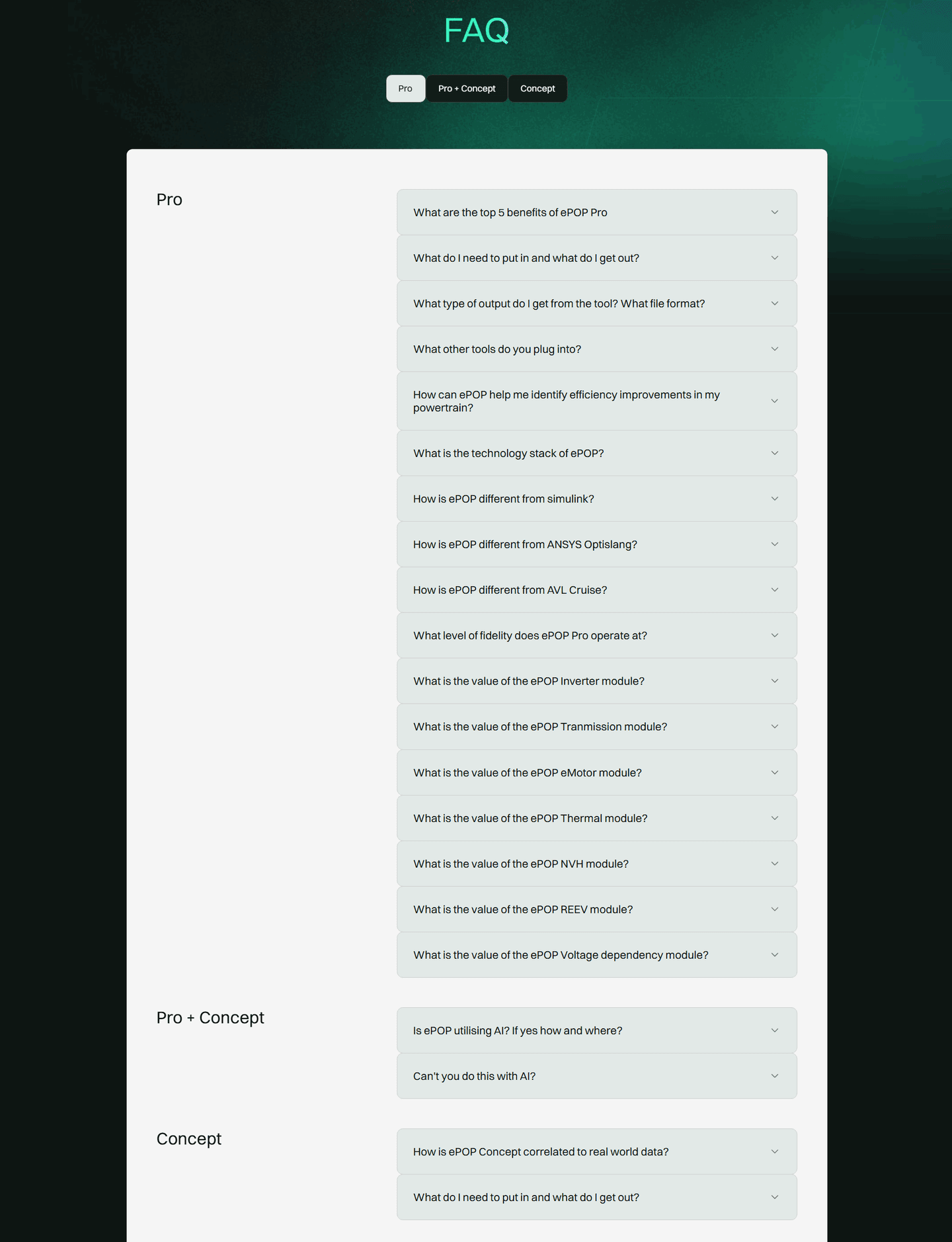 100/100
The lowest-scoring FAQ sections in our library aren't ugly. Most have a clean accordion layout. They just don't do enough.
A FAQ section scoring 10/100 typically has 2 conversion best practices: objection-focused questions and an expandable format. That's it. The questions are real, the layout works, but nothing else happens.
The most common gap: no CTAs in answers. 70% of all FAQ sections answer the question and stop. The visitor reads "You can cancel anytime" and has no link to the cancellation policy, the pricing page, or the signup flow. The FAQ gives the information but loses the momentum.
Second: no topic grouping. 89% of all FAQ sections dump every question into a single flat list. With 5 questions, that works. With 12, visitors give up scanning and leave.
The fix isn't rewriting your questions. It's adding links inside your answers and grouping questions into 3-4 categories when you have more than 8. The gap between a 10 and a 100 is usually two missing elements, not a redesign.
Want to know which best practices your FAQ section is missing? Try our landing page analyzer →
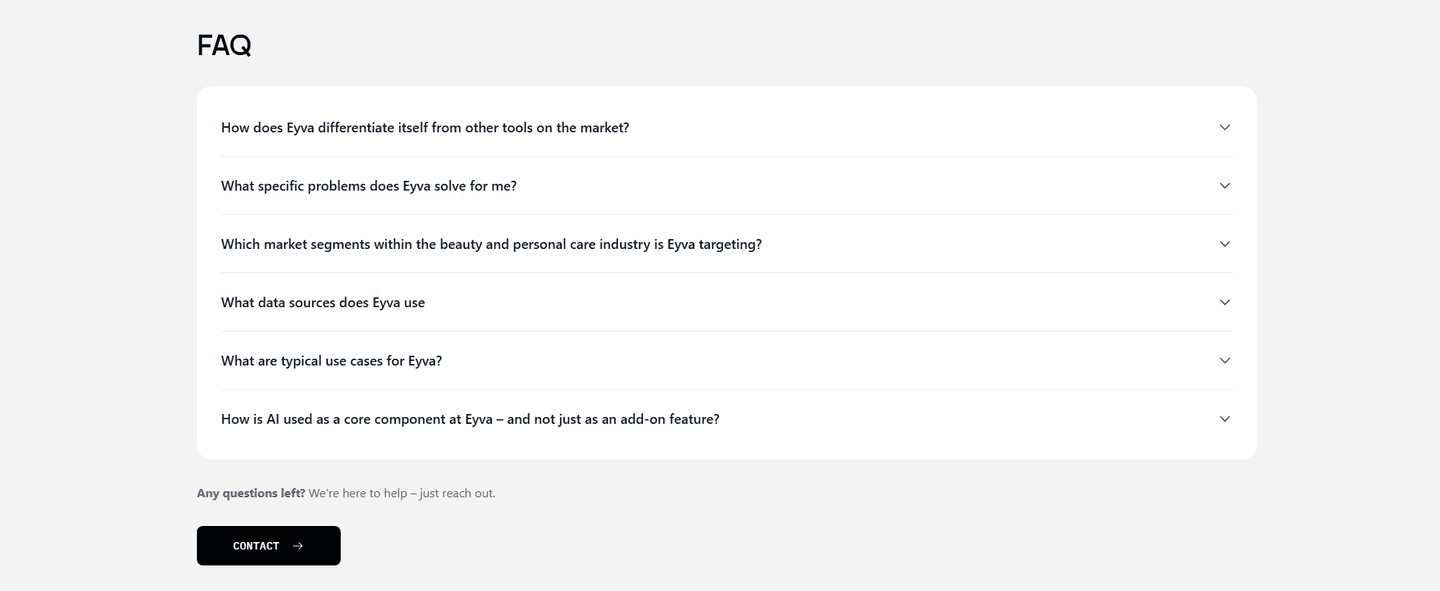 10/100
Curated by
Gabriel Amzallag , Founder, LPA
5 years CRO + SEO at Qonto (2021–2025). After advising 15+ SaaS on their websites (Payfit, Pigment…), the same patterns kept breaking — so I decided to build the source of truth on what works on the web: the intelligence layer every tool, builder, and team uses to ship sites that perform.
See how different industries design their faq sections.
Real examples from top SaaS landing pages, scored and analyzed.
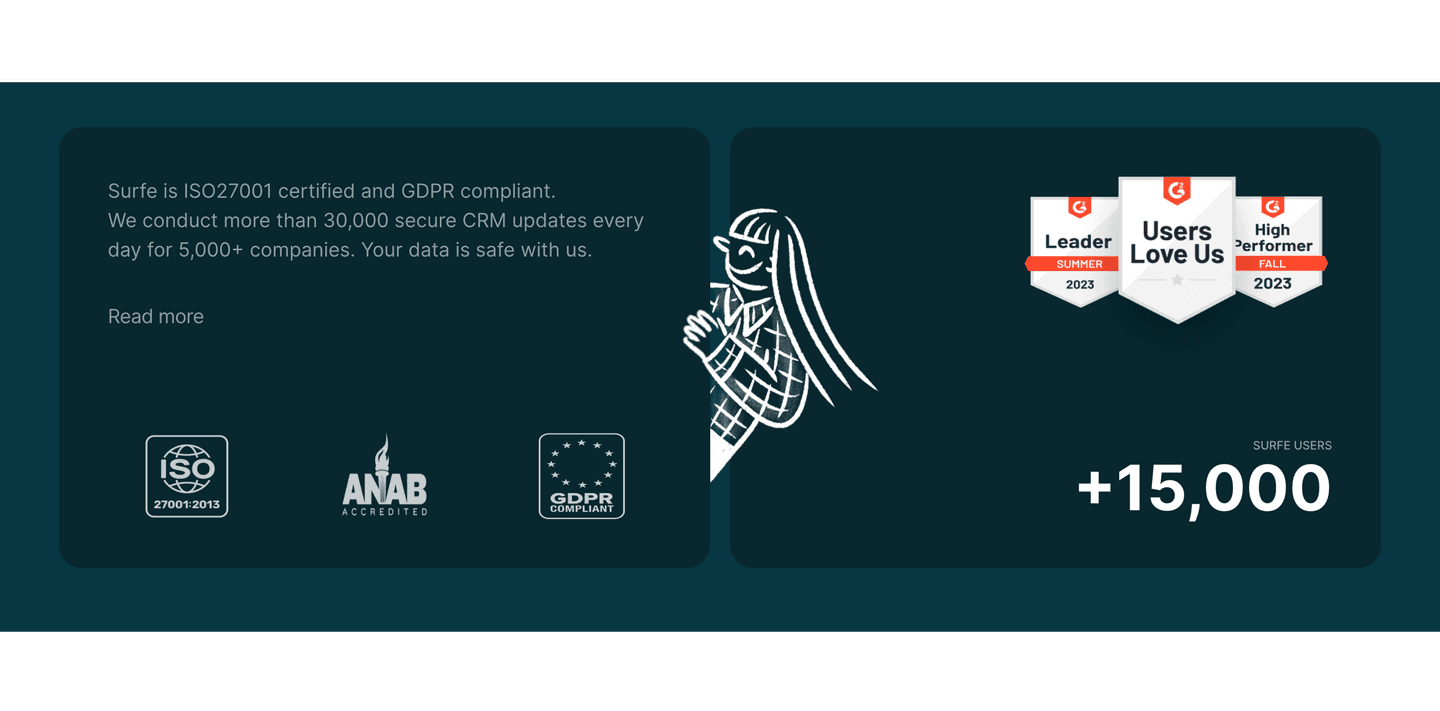
Logos, badges, compliance seals, guarantees. Browse how top SaaS pages build credibility and reduce buyer risk.
Browse trust signal examples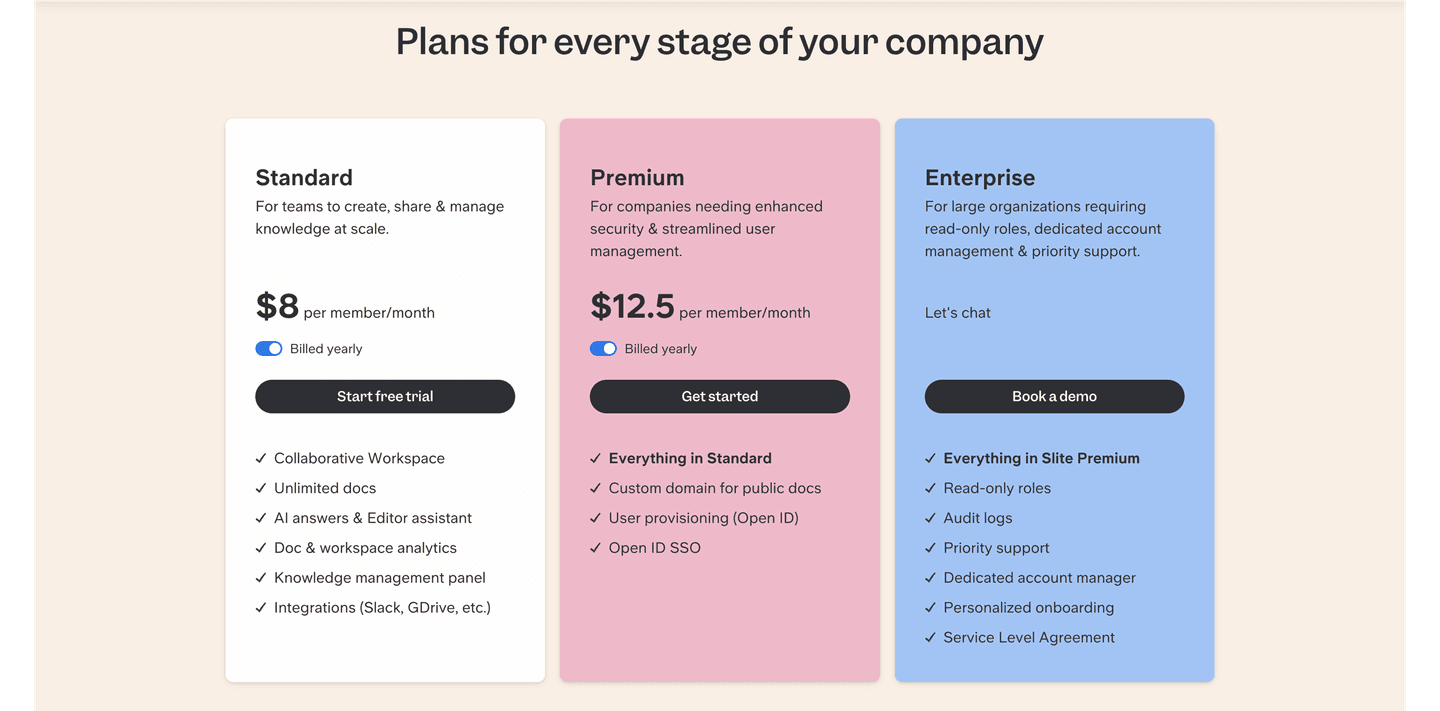
Tier layouts, toggle designs, feature matrices. See how top SaaS companies present pricing to maximize conversions.
Browse pricing examples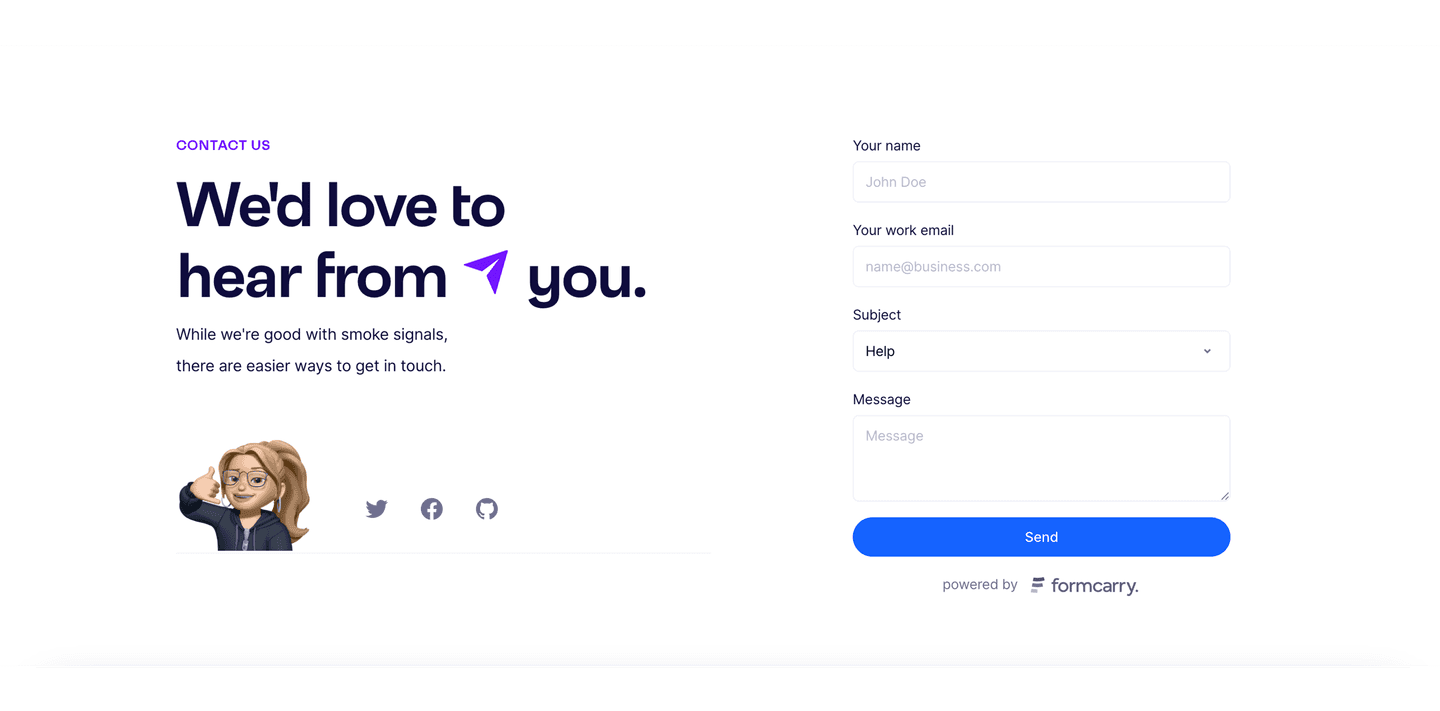
Forms, chat widgets, calendar embeds. Real examples of contact sections that balance low friction with lead quality.
Browse contact examplesPaste your URL. Get a scored analysis of your FAQ section with specific fixes. Free, no signup.
Everything you need to know about FAQ section design, based on our analysis of real SaaS landing pages.
Most FAQ sections on SaaS landing pages have 5-8 questions. Fewer than 4 feels thin. More than 12 and visitors stop scanning. In our library of 118 FAQ sections, the best-in-class ones average 6-10 questions grouped into 2-3 categories. Keep answers under 80 words each. If an answer needs more, link to a dedicated help page.
A FAQ section lives on your landing page or pricing page. It's 5-12 questions that address pre-purchase objections: pricing, security, cancellation, setup time. A knowledge base is a separate help center for existing users: how-to guides, troubleshooting, API docs. 100% of the FAQ sections in our library focus on buyer objections, not product documentation.
Yes, if your page has a conversion goal and your product involves any commitment (paid plan, signup, data sharing). FAQ sections reduce friction by answering the last objections before someone clicks the CTA. They're most useful on pricing pages, product pages, and campaign landing pages. Skip it on blog posts and documentation.
Start with your sales team's inbox and your support tickets. The same five or six questions come up before every purchase: pricing edge cases, security, cancellation, onboarding time, integrations. Those belong in the FAQ. Don't guess, don't invent questions to match answers you want to give. A quick rule: if a question has been asked three times by three different prospects, it's FAQ-worthy. If it's only been asked internally, it's not.
Every quarter, or whenever your pricing, onboarding, or product meaningfully changes. Stale answers create more friction than missing ones. An FAQ that still mentions a plan you discontinued reads as careless. Set a recurring review: re-read every answer, cross-check against recent support tickets, and retire questions nobody asks anymore. If a question gets asked a lot in support but isn't in the FAQ, that's the signal to add it.
Run your page through our landing page audit. You'll get a scored breakdown of your FAQ section across 5 conversion best practices (objection focus, expandable format, CTAs in answers, topic grouping, search) with specific fixes prioritized by impact.